
Computer (P3 - Grade 5)
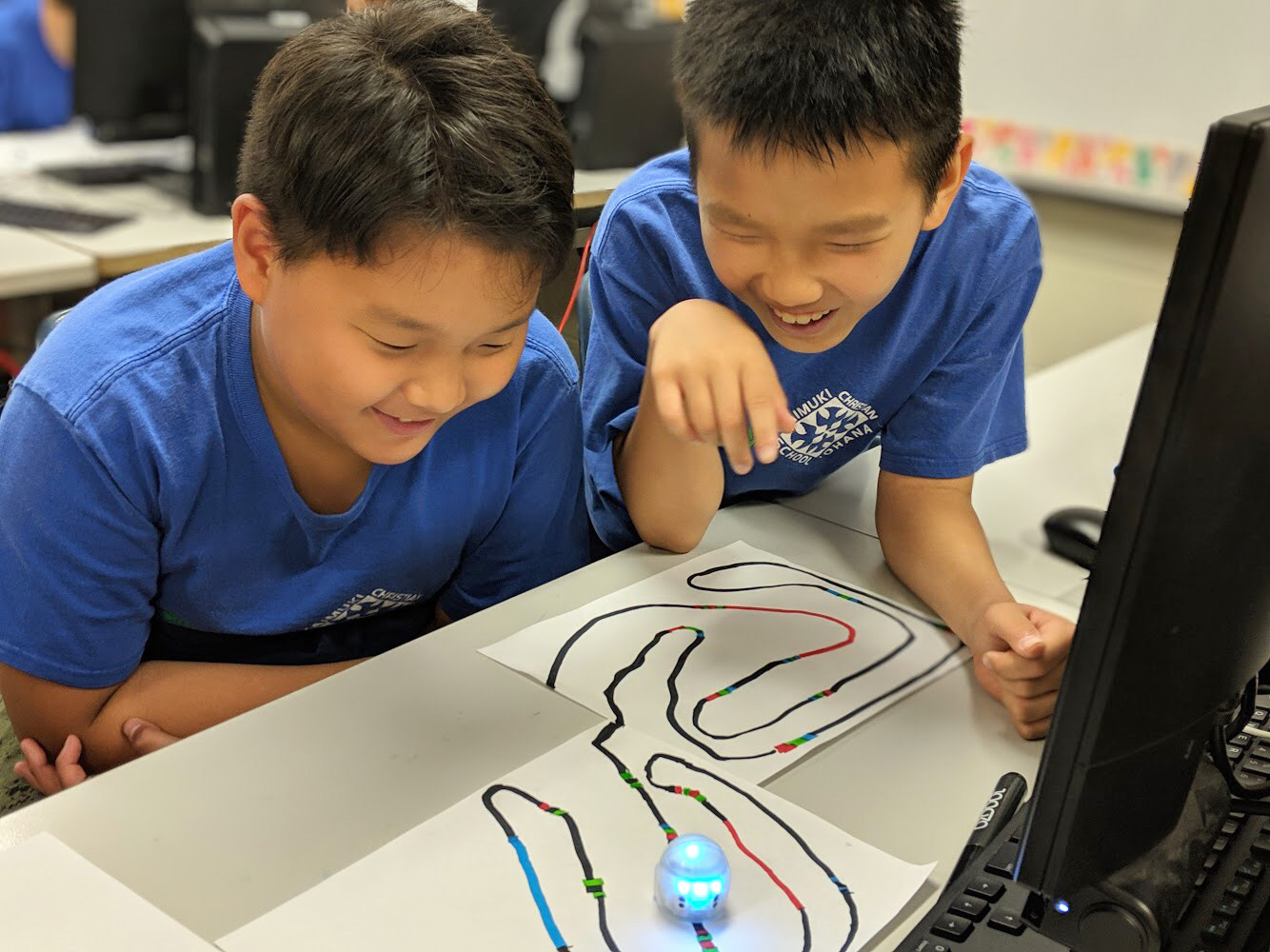 The computer program at KCS is designed to equip students from preschool to grade eight with tools to succeed in these fast-paced times of technological advancement. Not only does the KCS program aim to teach students discernment and ethical use of technology, the program collaborates with grade level teachers to integrate technology into classroom curriculum. Additional technological accessories such as tablets and Ozobots are used to promote creativity and self-direction.
Students in preschool and kindergarten focus on learning basic computer parts, terminology, and mouse manipulation. Emphasizing creativity in grades one and two, students use programs to create short stories, drawings, and animations. In grade two, word processing and keyboarding skills are introduced. Students in grades three through five focus on learning Office programs for word processing and producing brochures and presentations projects.
Middle School Elective
Digital Media (Grade 6): [1st to 3rd Quarters] Students use programs in Microsoft Office and Google Workspace to create a small business, as they work on weekly projects to produce marketing materials. Students also present their small businesses in a KCS Food and New Product Show in the 3rd quarter. Other software used: Adobe Photoshop, iMovie, Windows Movie Maker. [4th Quarter] Stop Motion Animation using Windows Movie Maker and the Lego Movie app.
High School Elective
Yearbook & Photography: Students will learn yearbook basics, components of layout and design, journalism techniques, as well as Photoshop software use and assessment. Teamwork and sharing of responsibilities will be emphasized. The KCS yearbook is produced entirely online, and students will be trained by a Josten’s representative. Students will also learn photography basics, including the use of the Digital SLR camera controls, including f/stops, shutter speeds, film speeds, and the production of a correct exposure. Assignments will utilize creative use of the camera controls, including depth of field and action motion, shadows and light, alternative camera angles, portraits, still lifes, and compositions based on the principles and elements of design.